KANU tool
Notepad
Store worksheets, canvases, and interviews; share notes and transcripts with links.
Capture the venture's work in Notepad. Your work stays organized in one place.
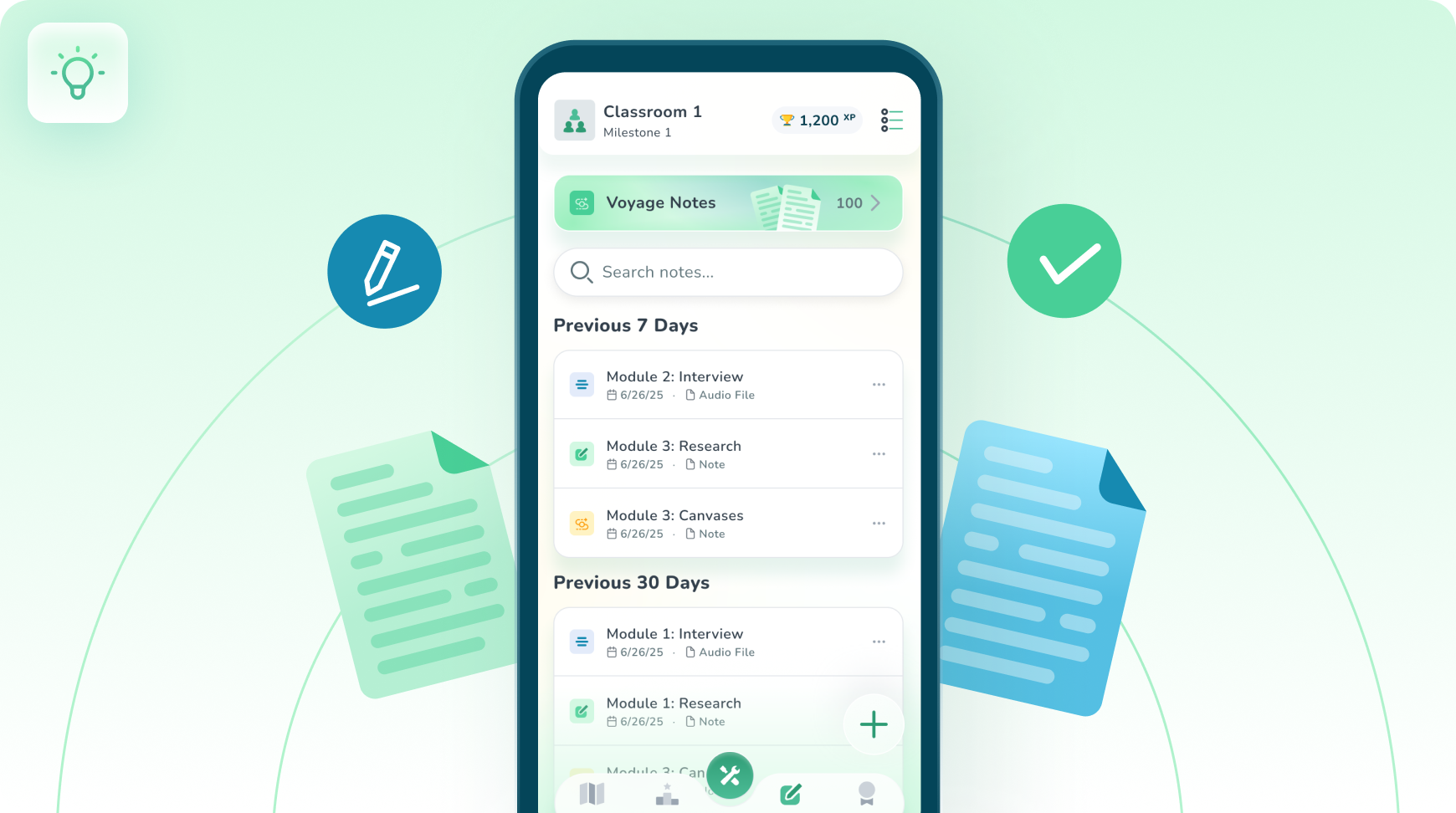
 Organize Your Venture
How Notepad works
Four steps, start to finish.
- 1
Create and Organize
Document everything: worksheets, canvases, interview prep, and reflections. Use folders, tags, and templates to keep your venture tight and searchable.
- 2
Share What Matters
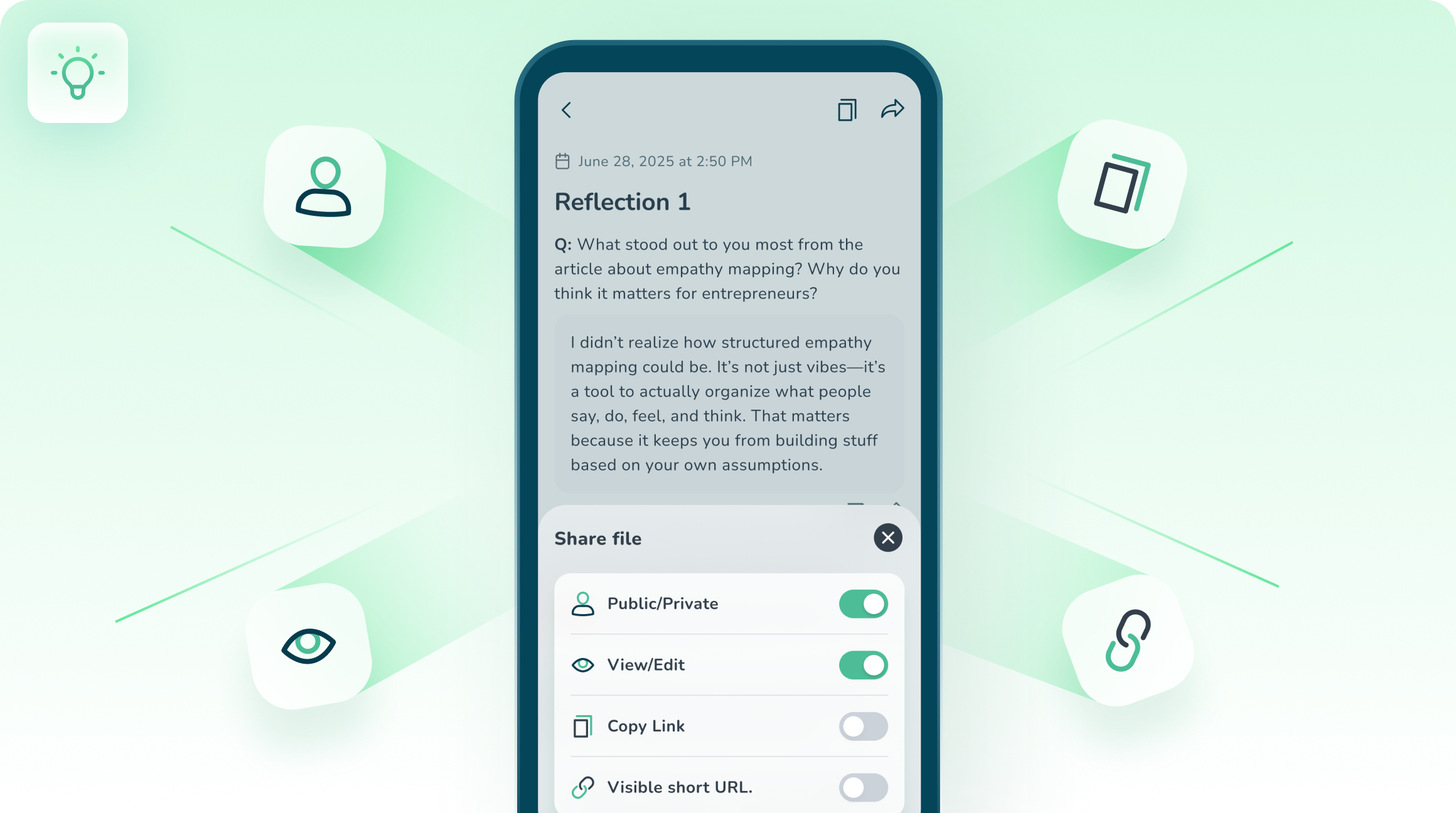
Turn any note into a NoteLink. Share read-only or editable links with teammates, mentors, or your instructor. No attachments, always up-to-date.
- 3
Record & Transcribe

Capture interviews and mentor calls. Auto-transcribe with speaker labels, then highlight, comment, and share as an AudioLink.
- 4
Turn Notes into Action
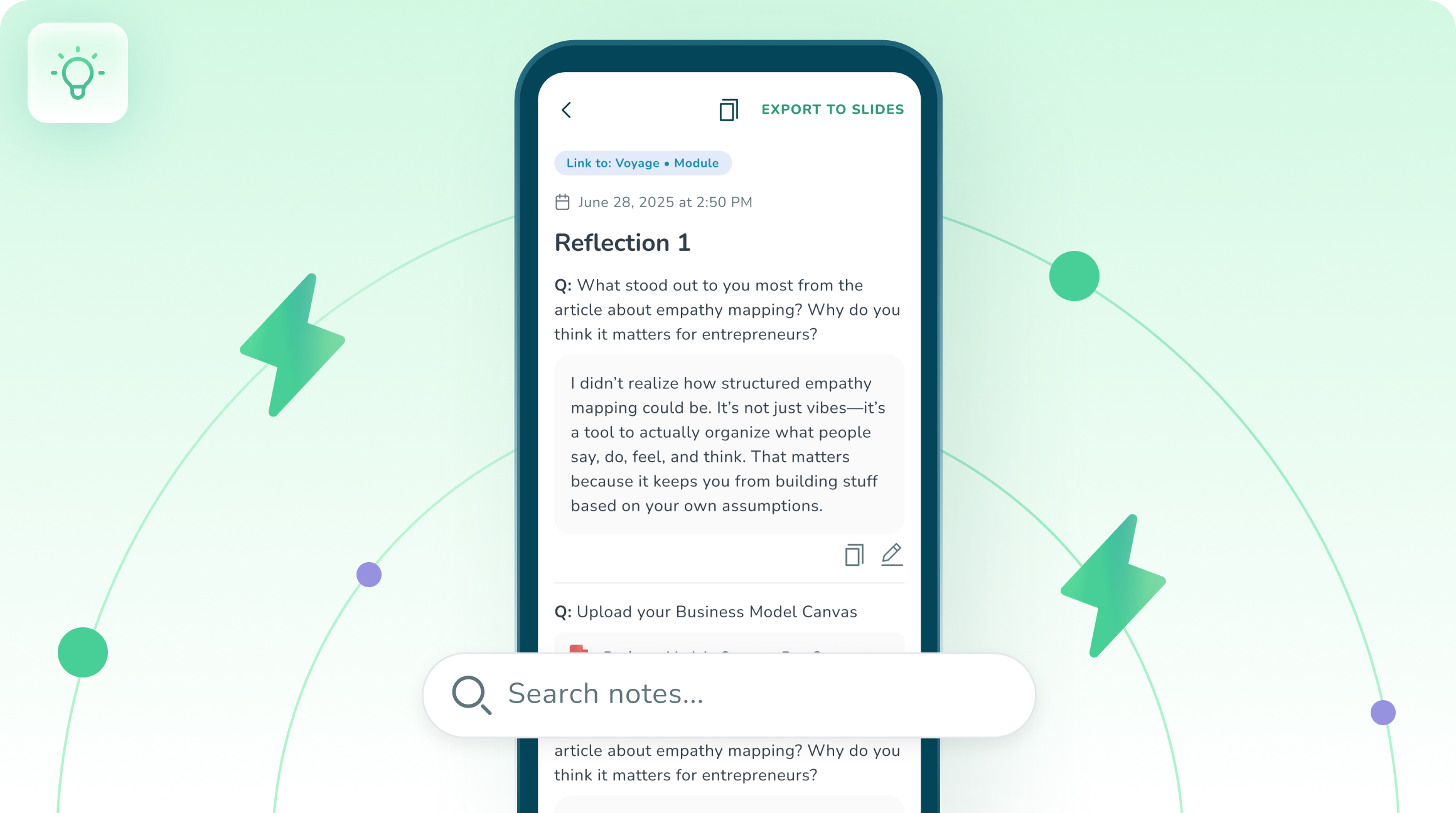
Tag insights, link notes to voyages and assignments, and export to slides. Search everything fast to move from learning → doing.
No catalog experiences are associated with Notepad yet.
Browse the Experience LibraryQuestions about Notepad
Ready to run one?
Put a real experience in front of your students.
Start with a free activity, or get a walkthrough with your program in mind.