KANU tool
PitchLink
Share a hype page, collect sign-ups and feedback, and measure demand before you build.
Put your pitch in front of real people with PitchLink. Responses are recorded as the venture's evidence.

 Build Your Waitlist
How PitchLink works
Four steps, start to finish.
- 1
Quick and Easy Setup
Spin up a waitlist page in minutes. Showcase your idea and offerings, set Join Waitlist items, and publish. No payments yet, just real interest.
- 2
Share and Capture
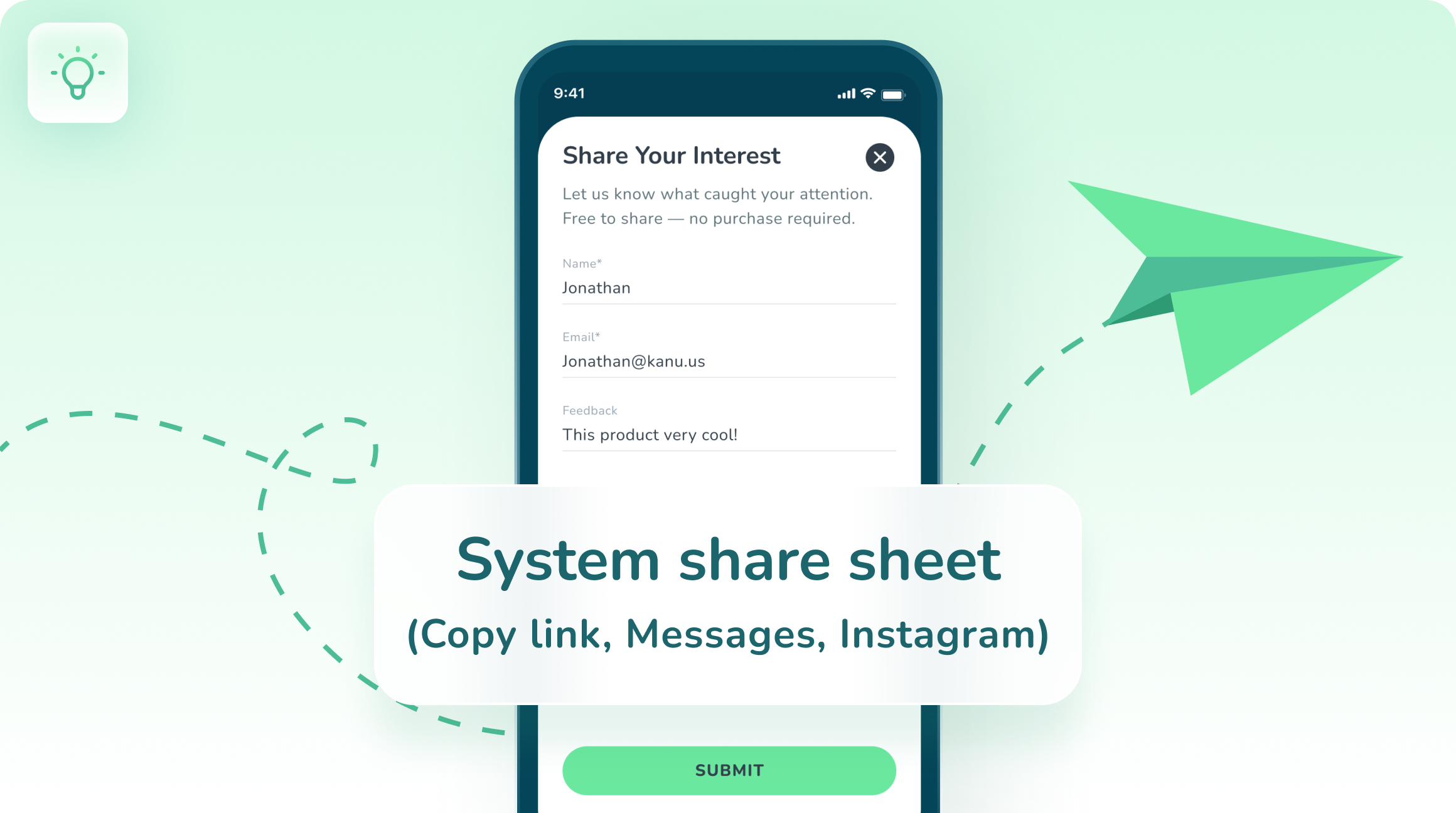
Share your Pitchlink anywhere. Fans tap Join Waitlist, add items to interest, and leave name, email, and optional feedback, all through one link.
- 3
Engage Your Waitlist
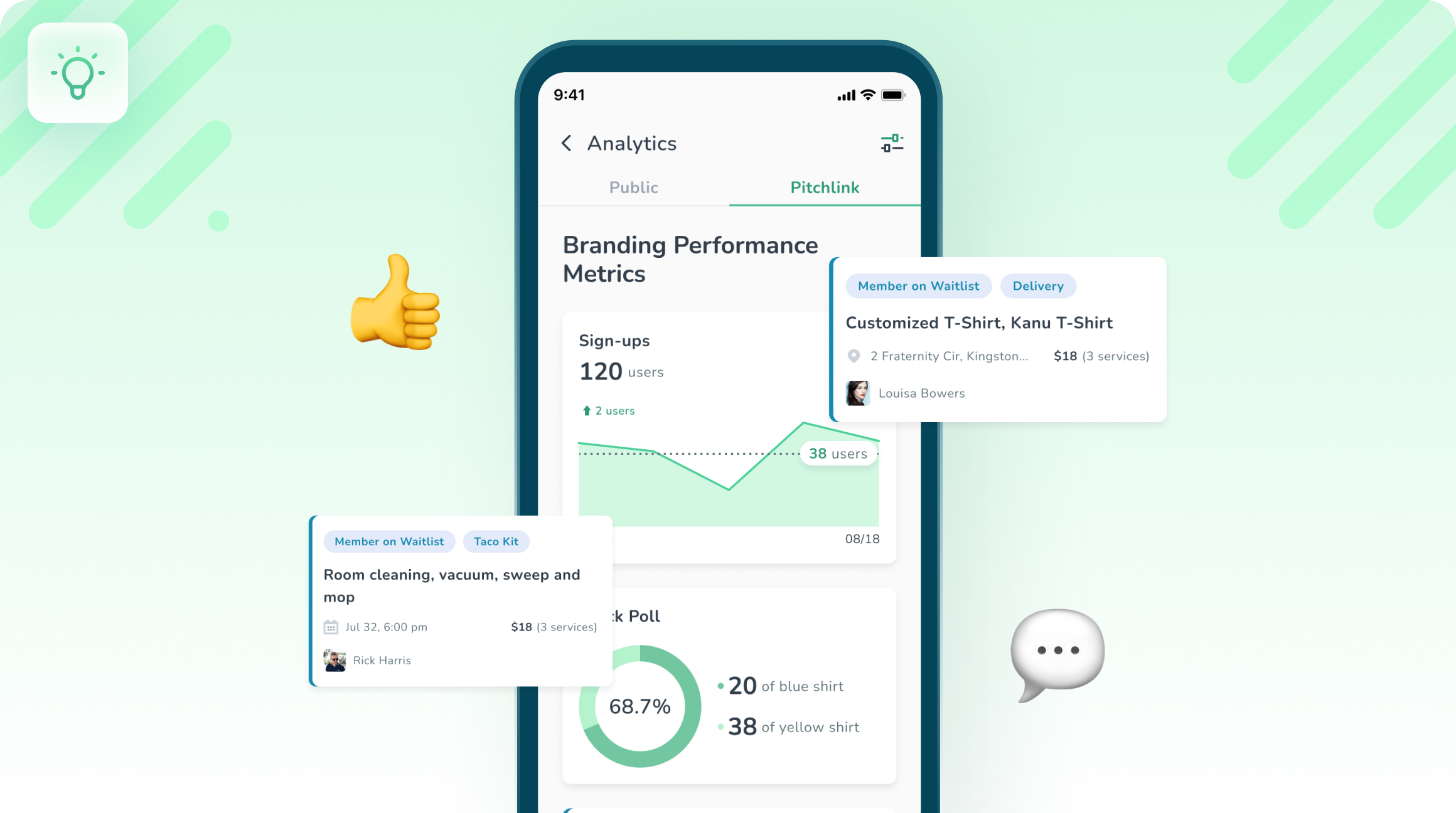
Turn sign-ups into conversations. Sort by item interest, send updates, ask quick polls, and learn what to build first.
- 4
Track Validation
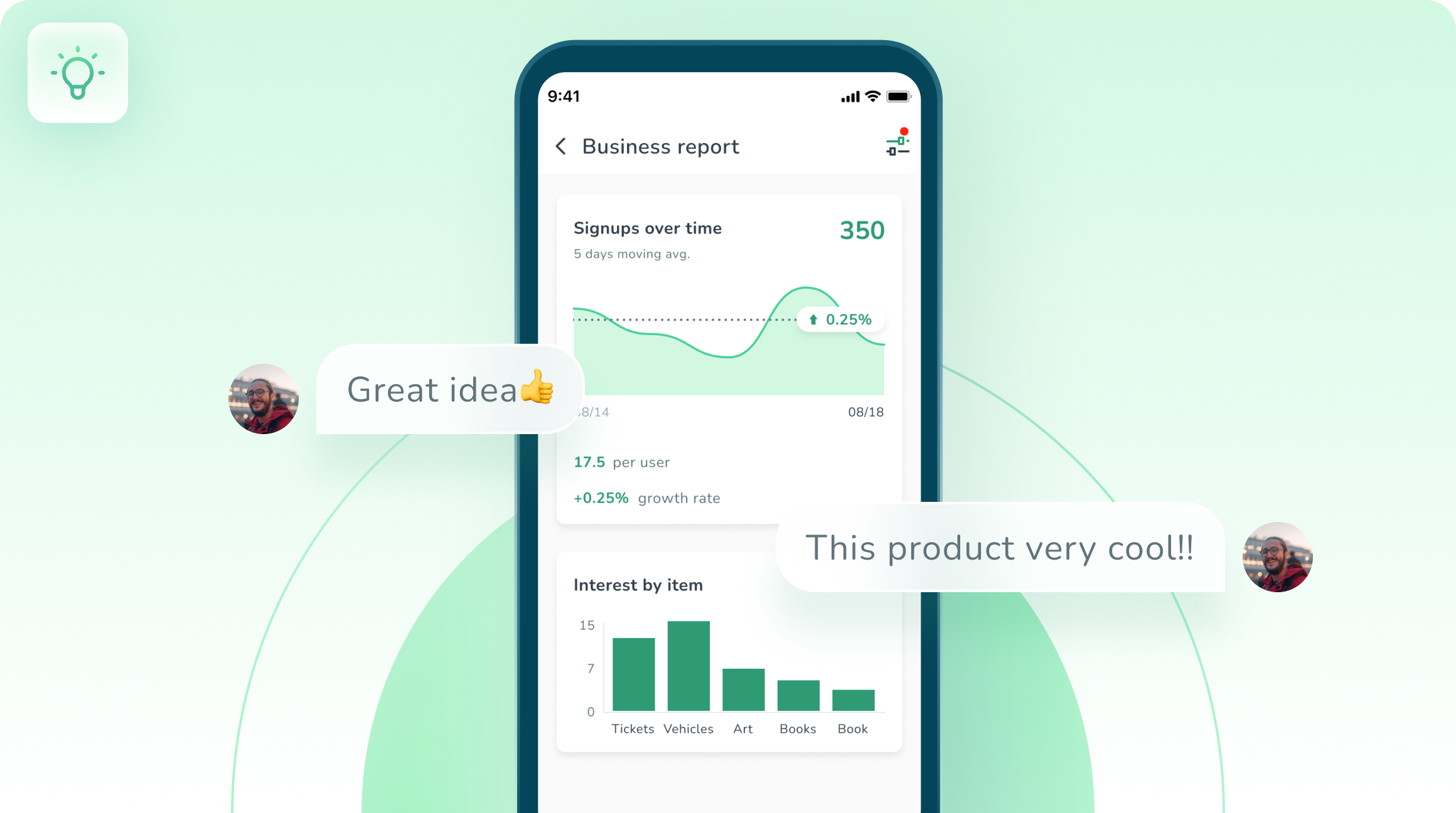
See sign-ups, item demand, and feedback at a glance. Use real-world signal to pivot or launch, then convert to ShopLink or BookLink when you’re ready to sell.
Activities using PitchLink
Single-session, plug-and-play exercises, tracked on completion.


Projects using PitchLink
Multi-week venture builds, tracked on completion.

Questions about PitchLink
Ready to run one?
Put a real experience in front of your students.
Start with a free activity, or get a walkthrough with your program in mind.