KANU tool
KPay
Customers scan your custom code with KPay, made for handmade crafts to tutoring services
Accept a real payment with KPay, scan-to-pay. Payments are recorded with the school in the loop.
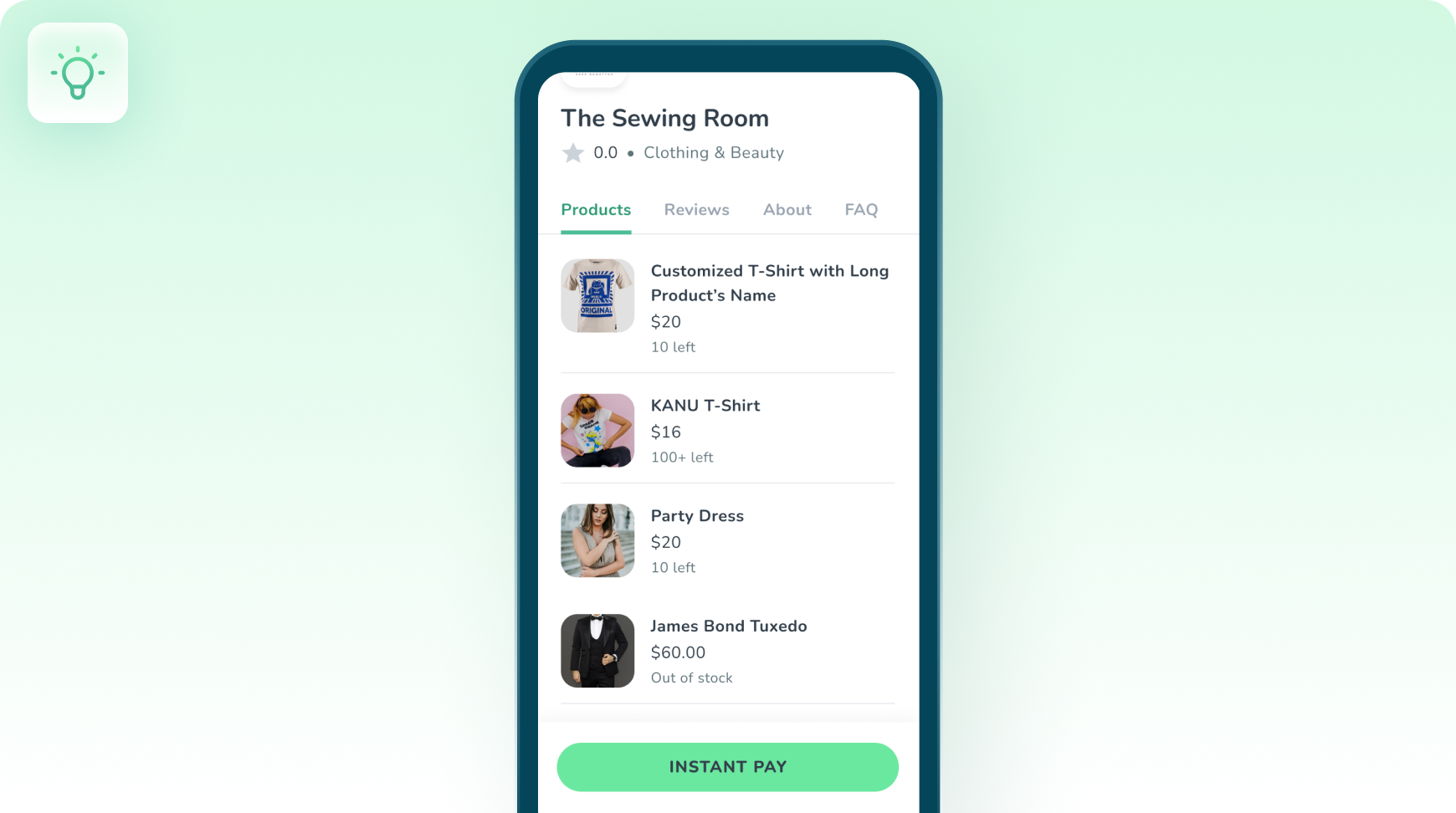
 Effortless Payments with Scan-to-Pay
How KPay works
Four steps, start to finish.
- 1
Seamless Setup
Set up KPay by creating your storefront, ready for transactions.
- 2
Payment Processing
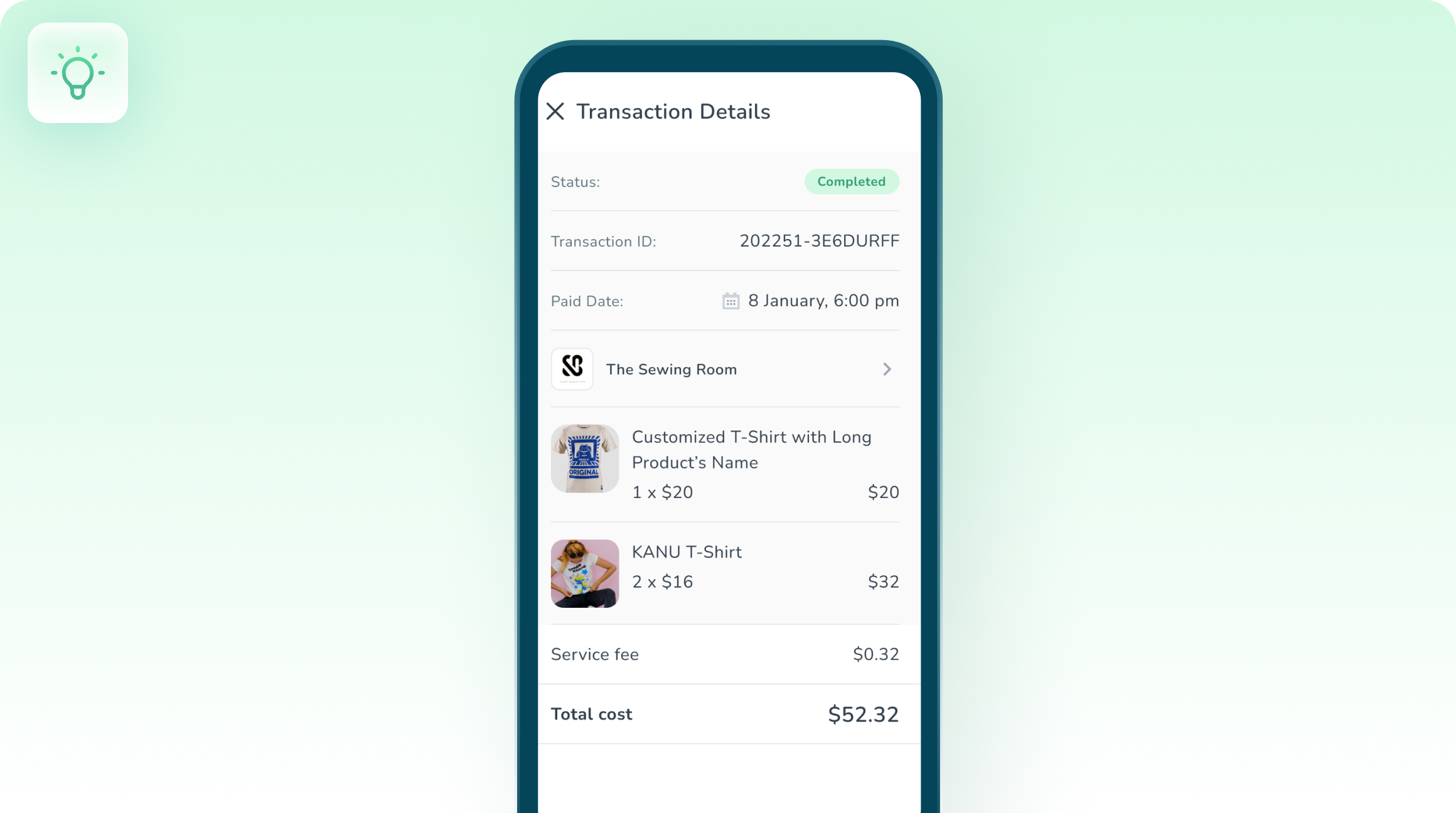
Customers can scan to pay, and funds go directly to your account.
- 3
Instant Confirmation
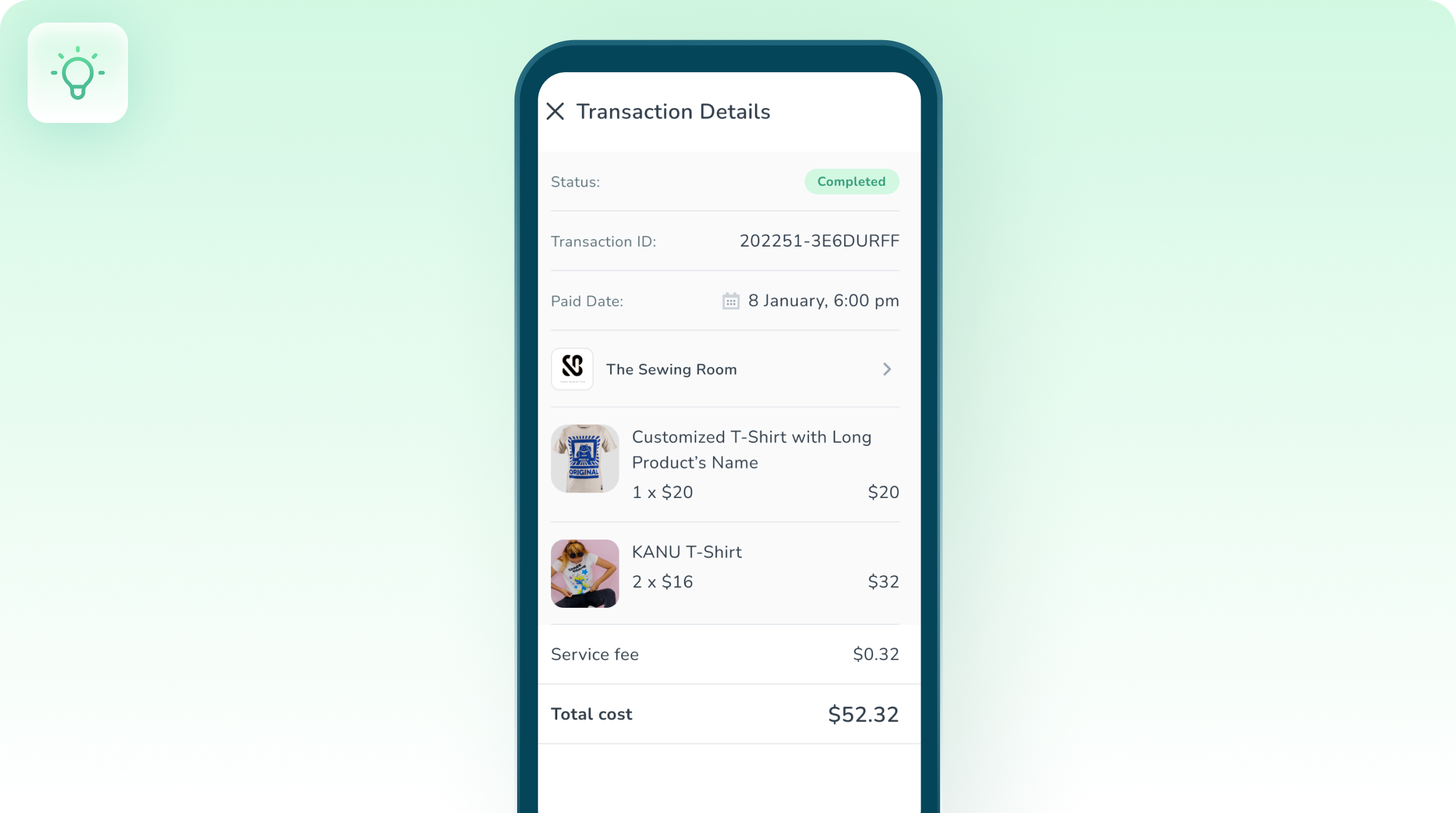
Get notified immediately when a payment is made.
- 4
Capture Reviews
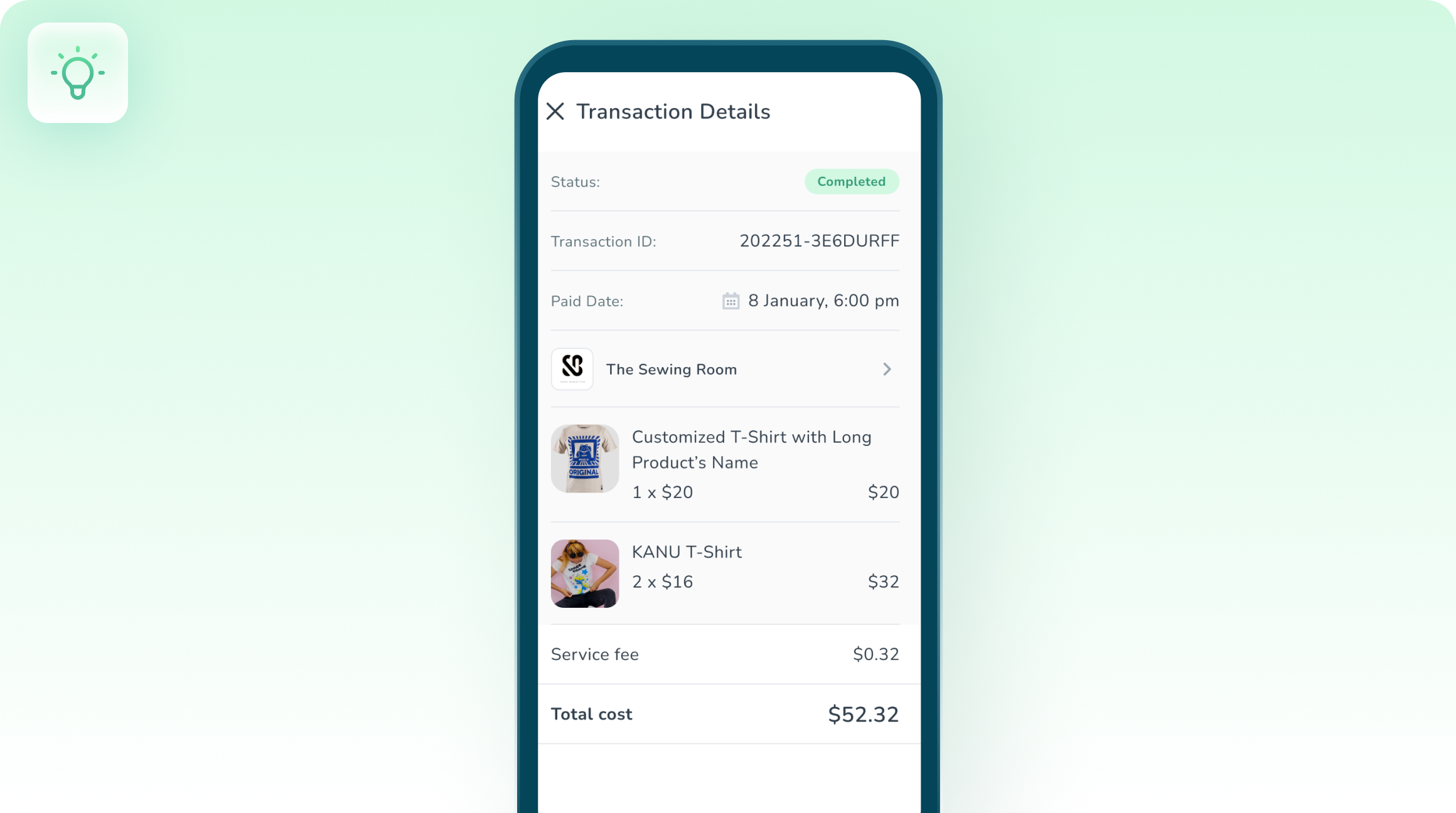
Collect customer reviews right at the point of sale, and showcase them on your online store.
Activities using KPay
Single-session, plug-and-play exercises, tracked on completion.

Projects using KPay
Multi-week venture builds, tracked on completion.




Questions about KPay
Payments are recorded with the school in the loop. The tracked result is shown as "Payments tracked".
Seamless Setup → Payment Processing → Instant Confirmation → Capture Reviews. The walkthrough above covers each step.
Ready to run one?
Put a real experience in front of your students.
Get a walkthrough with your program in mind.