KANU tool
BookLink
Whether it’s tutoring, photography, or any other service, BookLink helps you showcase and manage it all online.
Open bookings with BookLink and share your link. Bookings are recorded as the venture grows.
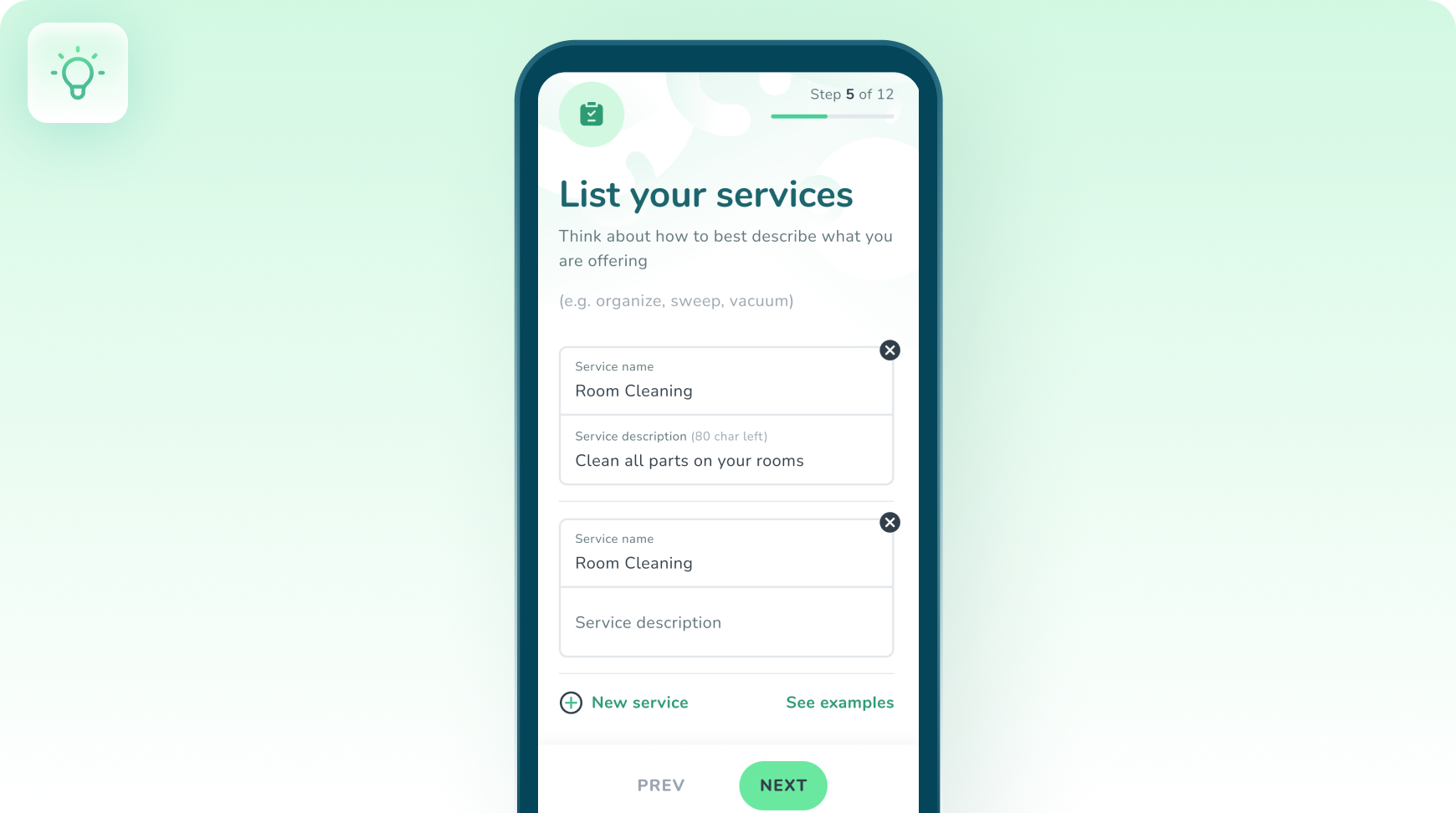
 Offer Your Services Online
How BookLink works
Four steps, start to finish.
- 1
Get Started Fast
List your services, set your availability, and let clients book you in just a few clicks.
- 2
Promote Your Service
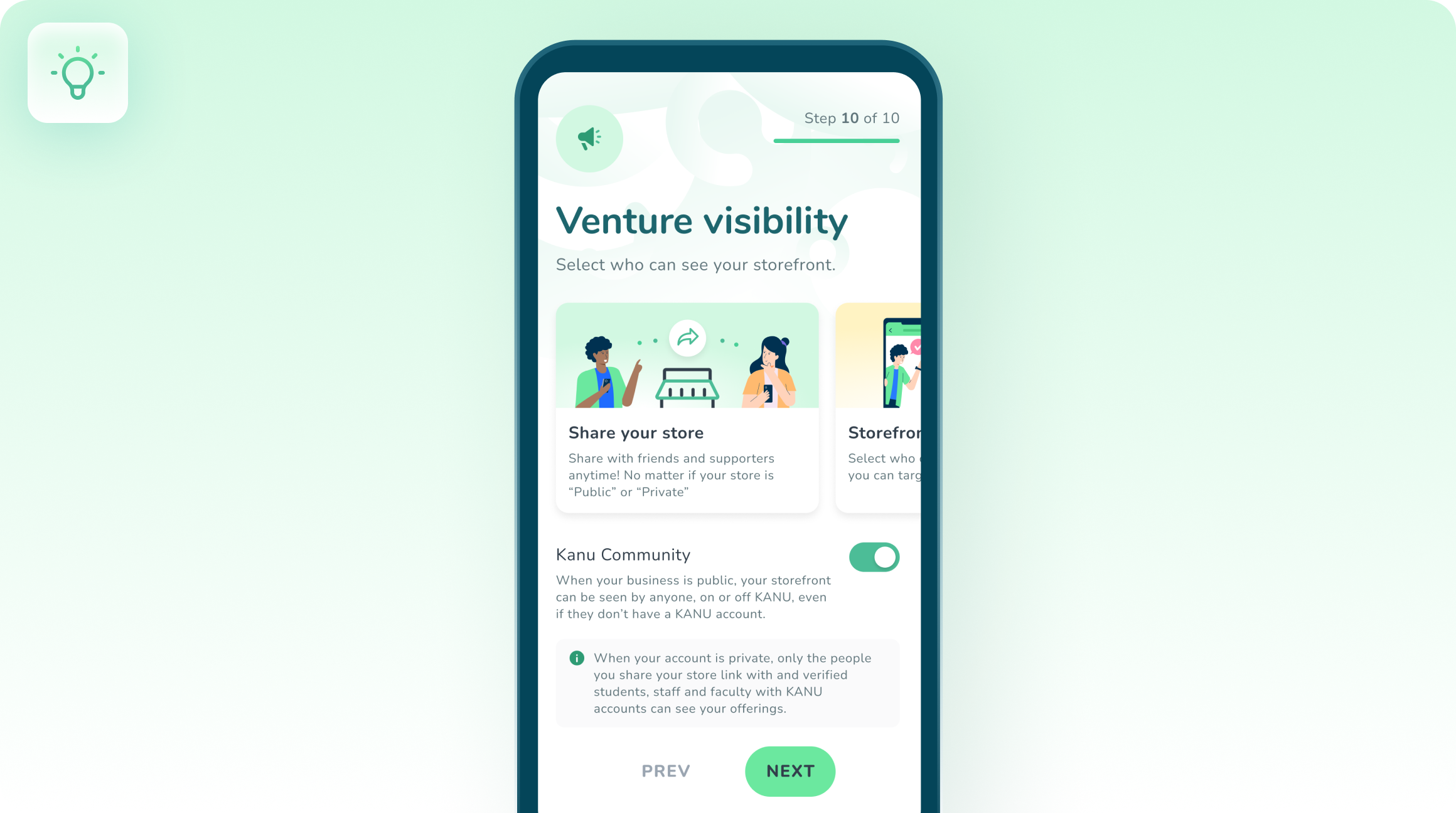
Share your booking link everywhere, on social media, texts, and emails, to attract more clients.
- 3
Manage Your Bookings
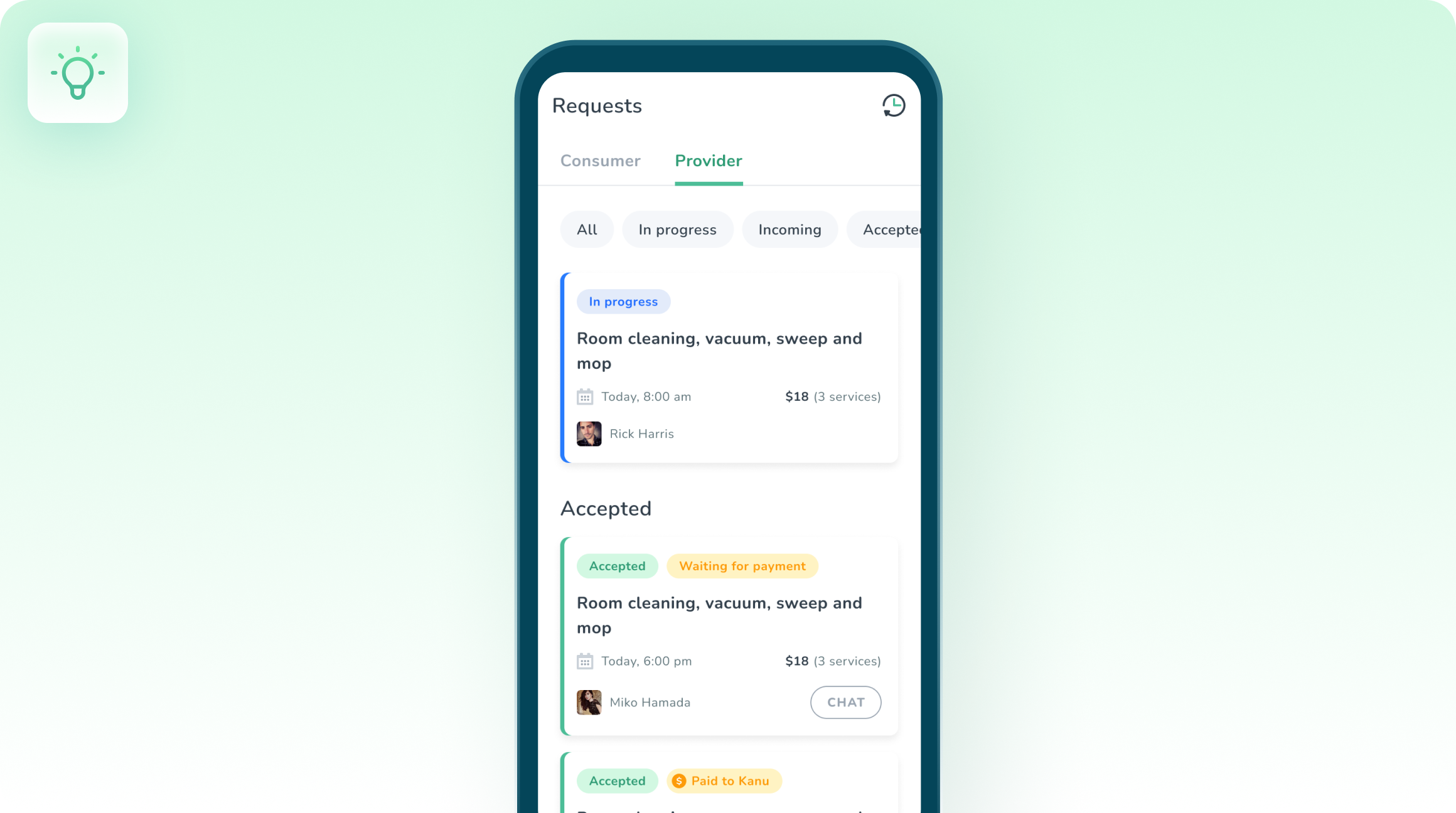
Keep everything organized with easy-to-use booking tools. Never miss an appointment.
- 4
See Your Progress

Track your bookings and see how well your services are doing. Learn how to make data-driven decisions.
Activities in the Storefront pack
Single-session, plug-and-play exercises, tracked on completion.

Projects in the Storefront pack
Multi-week venture builds, tracked on completion.




Questions about BookLink
Ready to run one?
Put a real experience in front of your students.
Start with a free activity, or get a walkthrough with your program in mind.