How it works
Three decisions from you.
The rest runs itself.
Pick an experience, choose how it reaches students, and invite your teachers. KANU runs the term and hands you the record.


A student asks about a work-based learning credential. You hunt for an employer, draft a training plan, chase four signatures, track hours in a spreadsheet, and type it all into the state system at year end.
You make three decisions. KANU runs the term, brings the industry professional, and hands you the record to review and submit.
One term, start to finish
What you do, and what KANU does for you.
- 1You
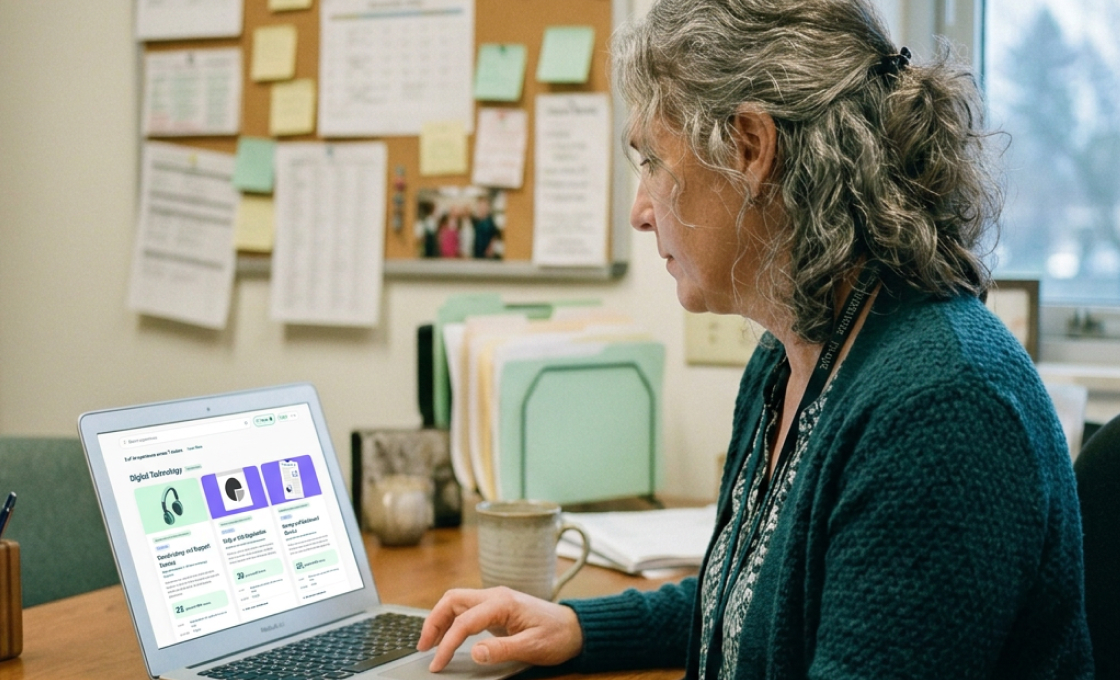
Pick an experience
Browse the library by pathway. Every experience shows its hours, its work-based learning type and its occupation code.
Meets: Aligned to the pathway
- 2You
Choose how it reaches students
Build it into a course, assign it to teachers, or open it to individual students, like the one who walks in asking about a work-based learning credential.
Meets: Built into required coursework
Illustration of the deployment options screen: built into a course, assigned to teachers, or open to students. - 3You
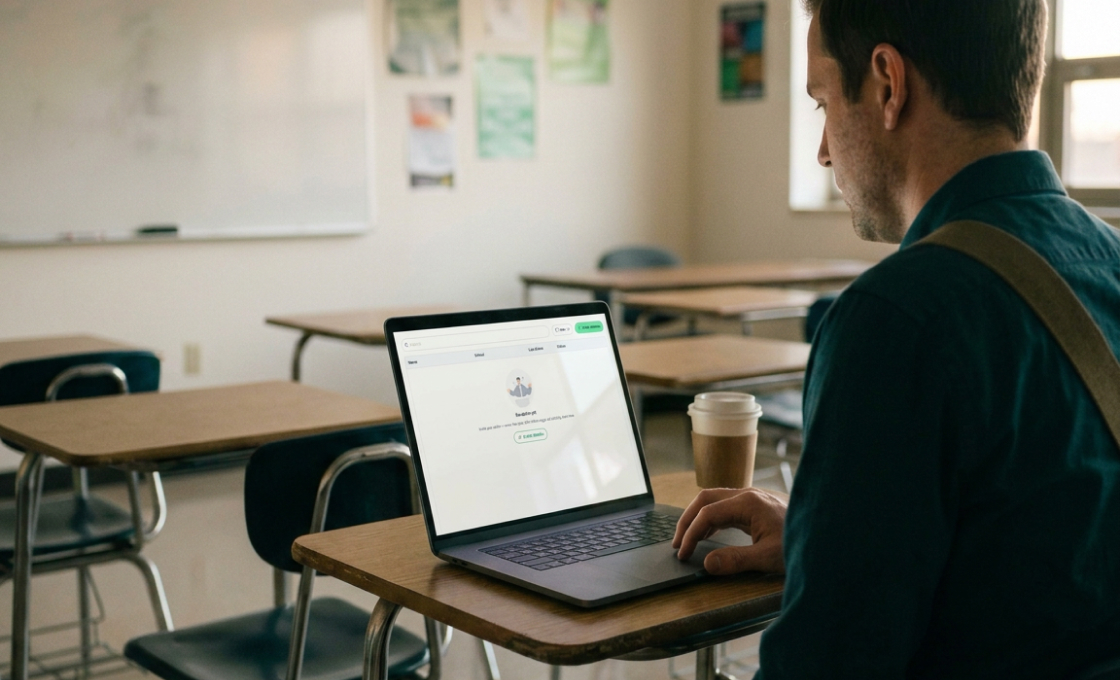
Invite your teachers
Teachers get a link and a short training. You see who is ready before students start.
Meets: No extra teacher lift
That is your part. KANU runs the term.
- 4KANU
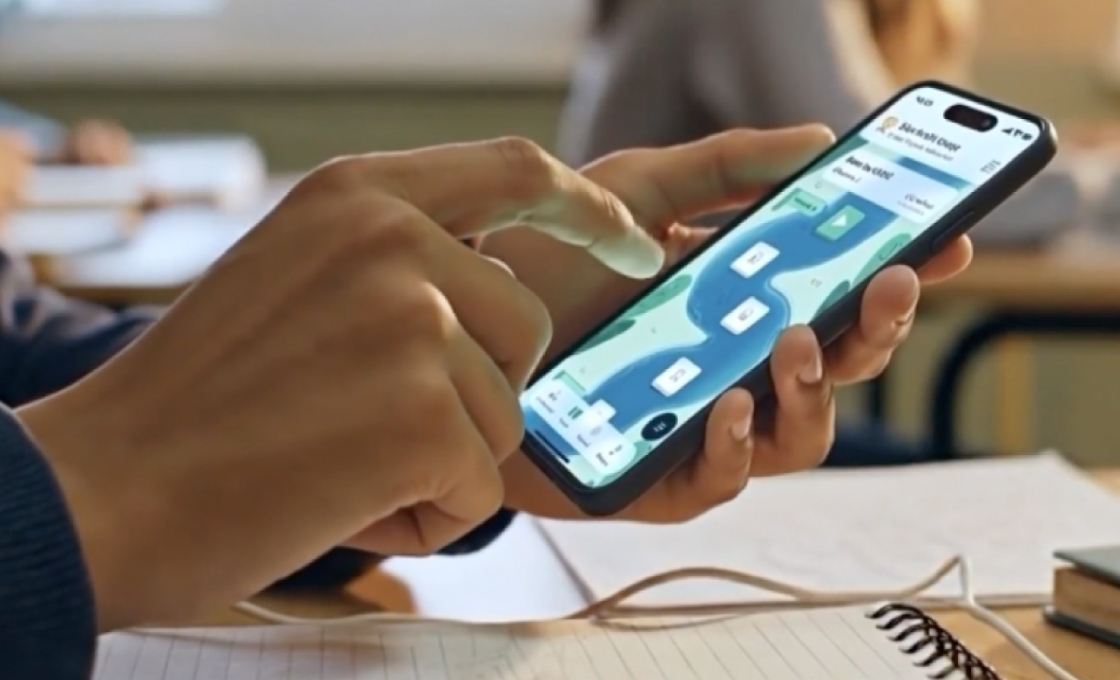
Students join in seconds
A code or a link, from any device. Each student’s training plan is drafted and signed digitally.
Meets: Partnership agreement

- 5KANU
Students do real work
They build a venture and sell to real customers. Hours and progress are recorded as they go.
Meets: Sustained interaction, authentic work
- 6KANU
A working professional steps in
At each checkpoint an industry professional reviews the work, then makes the final mastery call.
Meets: Industry professional, evaluated

And it all comes back to you.
- 7You watch
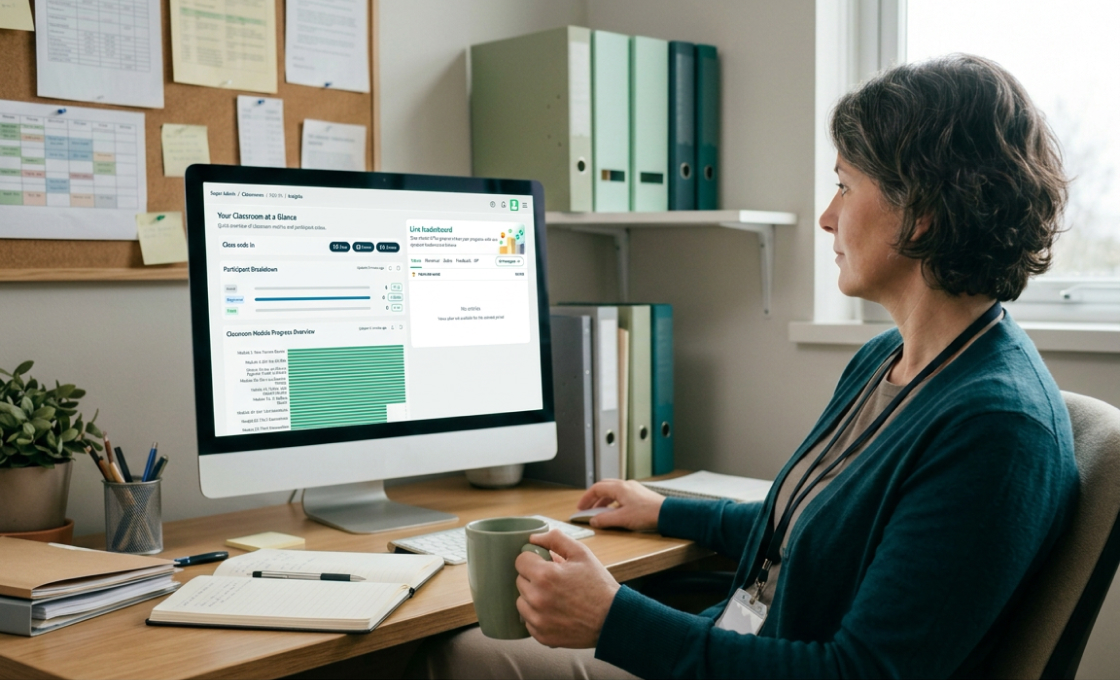
See everything in one place
Onboarding, progress, hours and checkpoints across every teacher and student. Open any student’s view.
Meets: Evidence you can defend
- 8You submit
The record is ready
Training plan, hour log, assessment and your state’s reporting fields, ready to review. Your school submits and makes the final determination.
Meets: State reporting
Get your building's mapping
Twenty minutes. We look at your programs of study and send a one-page crosswalk showing which experiences fit where and the hours each produces.